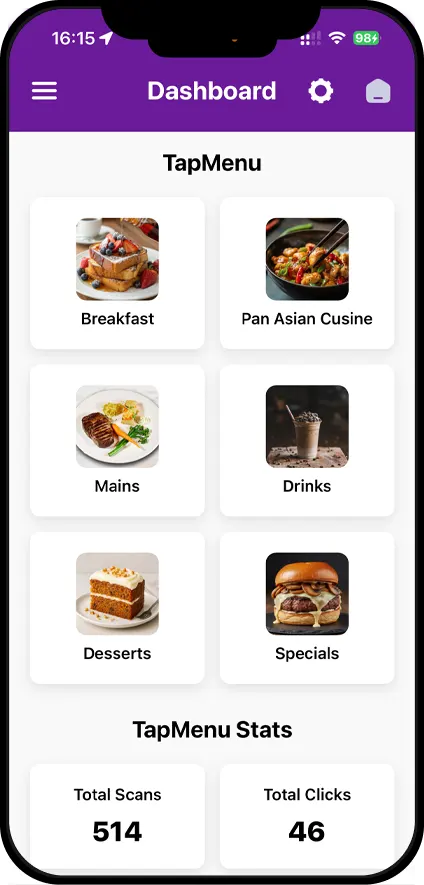
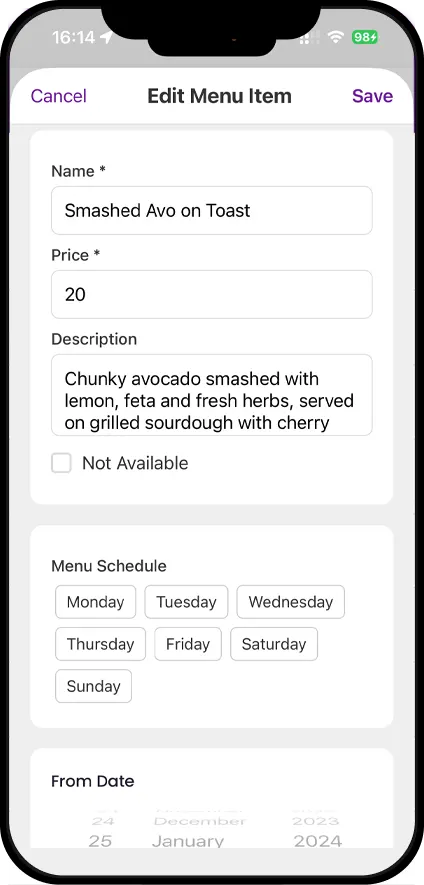
Digital Menu showacasing dishes with clarity and appeal.
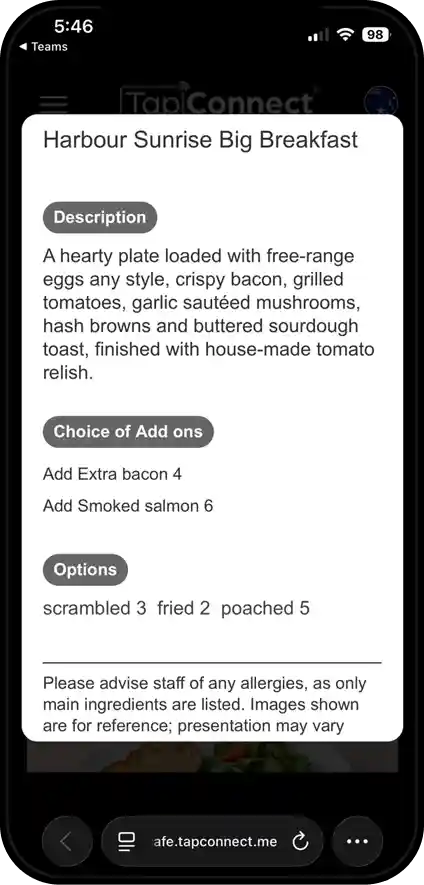
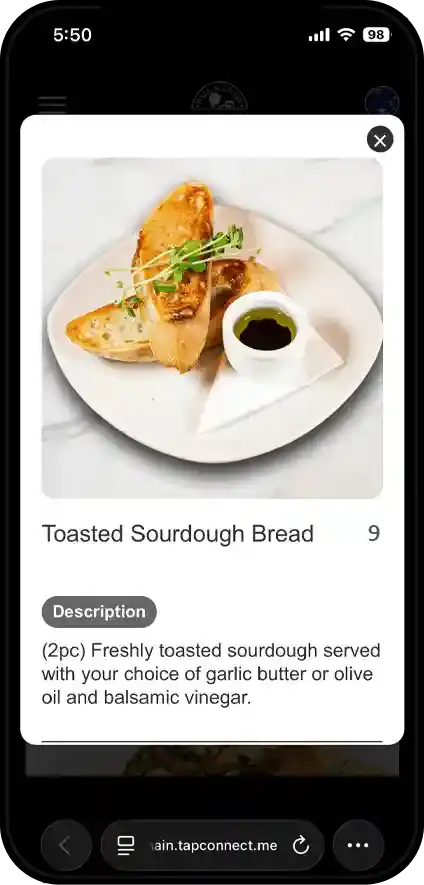
Item Details
Description, ingredients, and other relevant details.
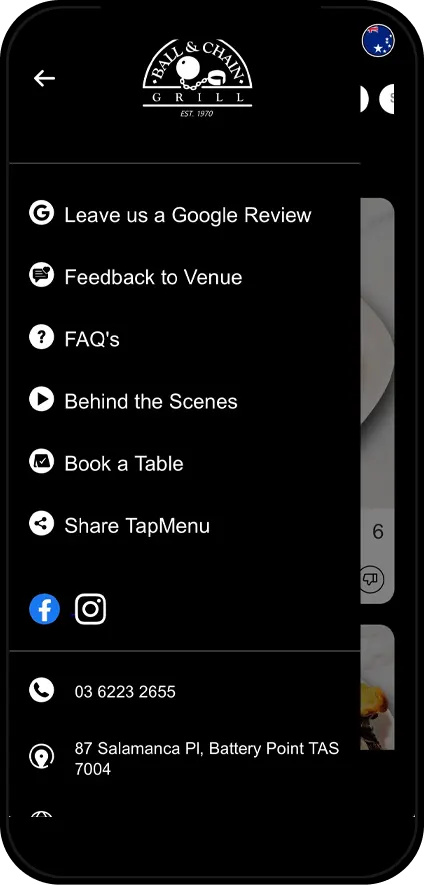
Share TapMenu
Clear images and info, ready to share.
Your Menu, All in One Place
Everything your customers need to explore your menu.
ONE LINK, EVERYTHING YOUR VENUE OFFERS
Your menu, socials, reviews, bookings, all connected under a single link customers can tap into instantly.
Built for Hospitality
From cafés and restaurants to bars, hotels and live venues, TapMenu adapts to your business and gives customers one simple page to explore what you offer.
WE BUILD IT FOR YOU
No complicated setup. We build your TapMenu, match it to your brand and help keep it up to date, so you can focus on your business.
FOOD FIRST
Let your food do the talking. Showcase your dishes with large, high-quality images that help customers see what they’re ordering before they get it.
Built for the Way You Work
Powerful features to give you full control wherever you are.
Staff Role Management
Control staff access to all venues and decide who can help manage which menu.
Multi-Venue Management
Manage multiple venues from one place.
Team-enabled feature available on request
Menu Scheduling
Plan changes in advance without manually updating the menu each day.
The TapMenu Experience
Clear, familiar and easy to explore.
YOUR BRAND, YOUR LOOK
Create a menu that feels like your venue, with your logo, colours and a choice of light or dark designs to complement your brand.
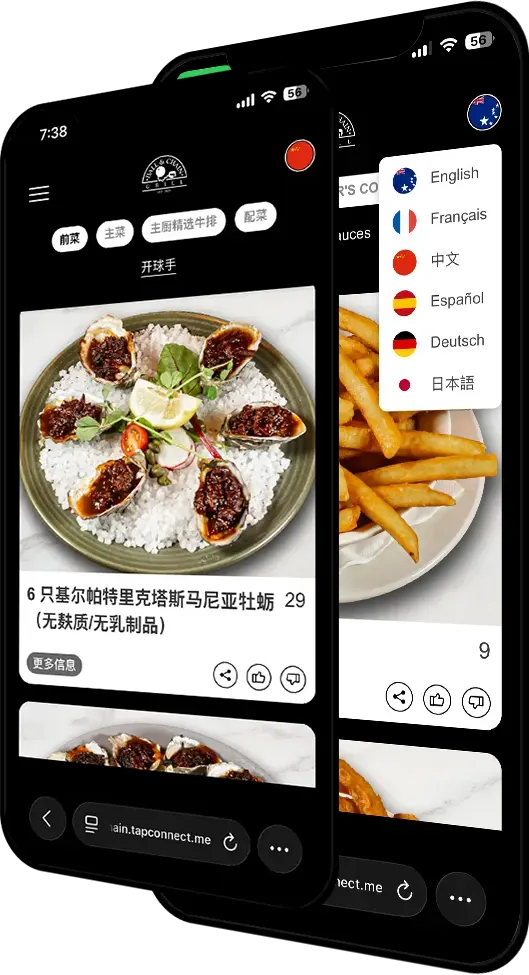
YOUR MENU, THEIR LANGUAGE
Switch between languages instantly, so locals and visitors alike can explore your menu with ease.
FIND IT FAST
Built-in search takes customers straight to the dish they want, without the endless scrolling.
KNOW WHAT THEY LOVE
Likes, dislikes and shares show you what’s catching customers’ attention, dish by dish.
Admin
Everything you need to manage your menu.
You're in Control
Change availability, reorder your menu to put bestsellers front and centre, and shape the whole experience your way.
Manage from Anywhere
Edit your menu from your desktop or the TapConnect app. Make a change once, and it's live straight away.
Plan Ahead
Schedule changes in advance, so your menu updates automatically when it's time.
See What's Working
Get a clearer picture of how customers are interacting with your menu and see what's getting their attention.
Keep Your Menu Tidy
Remove items or Hub links when you no longer need them, and bring them back whenever they're ready to return.
TapMenu Support
Still Have Questions?
Not sure where to start or need a little extra help? Our team is here to help. Reach out to us and we’ll guide you through it.
You can also reach us directly at tapconnect@1tech.com.au